Mobile Team Manager features

The Complete Toolkitfor Field Operations

Schedule field teams, assign jobs, manage shifts, track hours, capture digital dockets, and keep field and office teams connected.

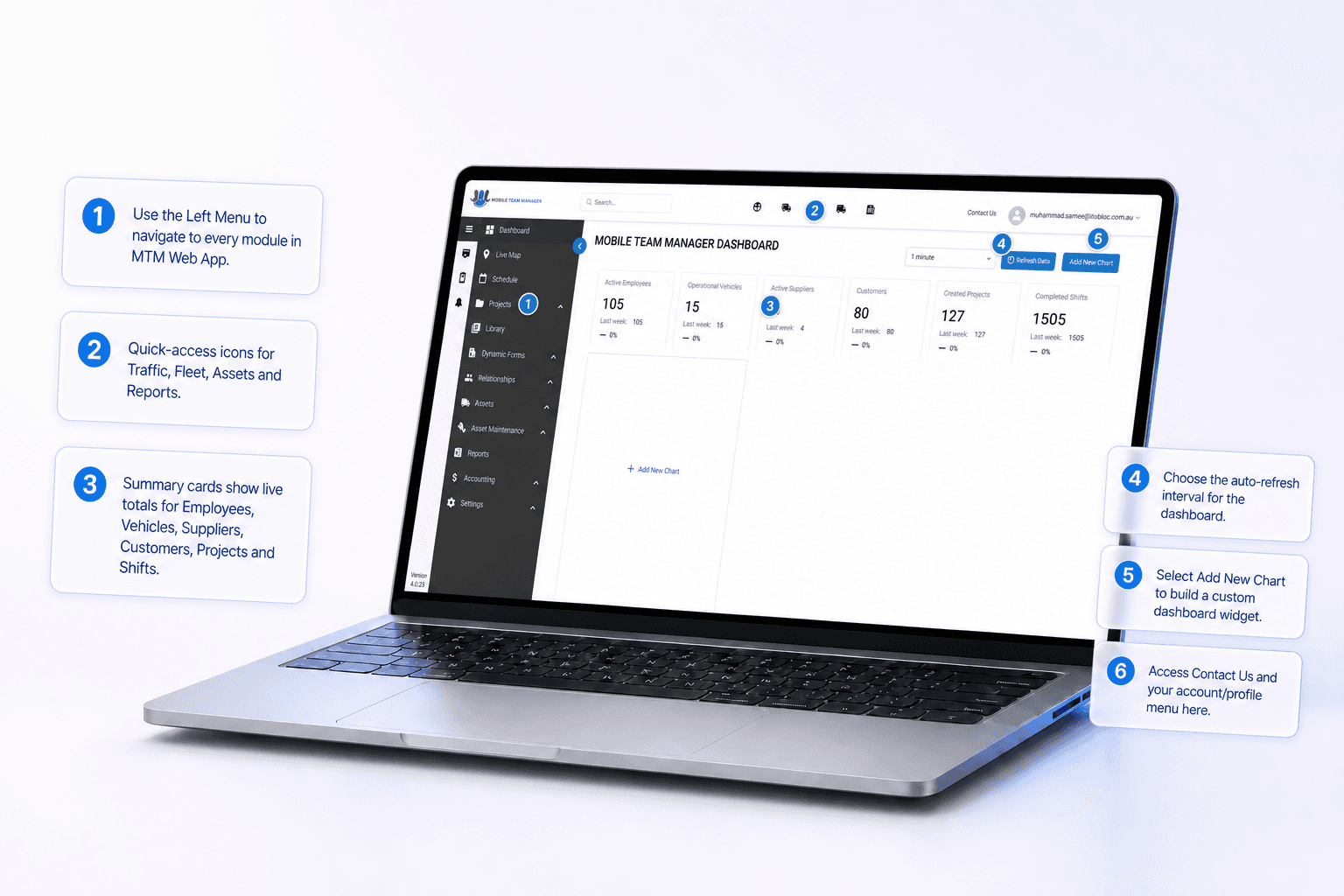
Mobile Team Manager field operations dashboard
Schedule & Dispatch

Schedule & Dispatch

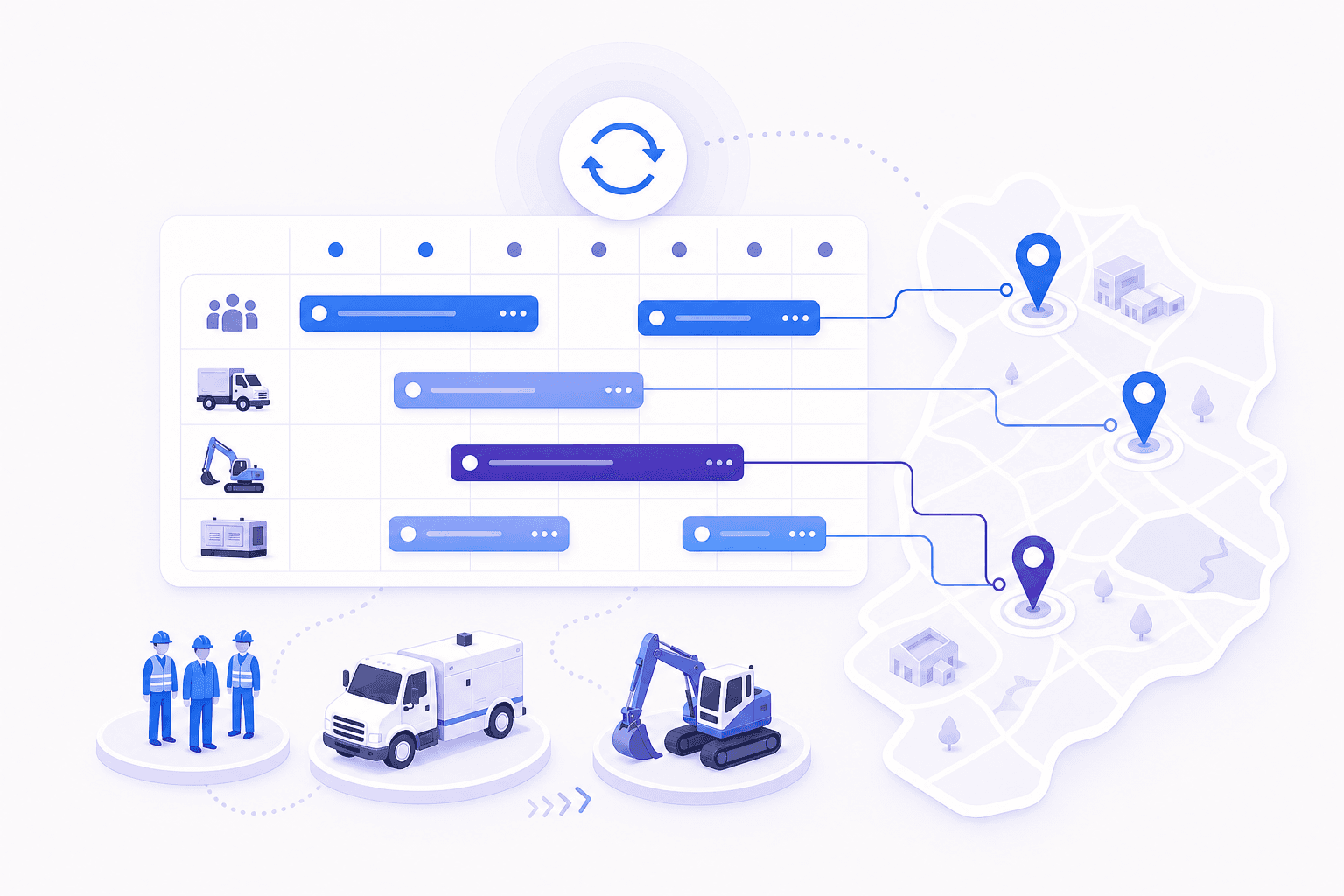
Plan daily work, allocate workers, and adjust schedules as jobs change. Mobile Team Manager lets you assign workers, contractors, vehicles, and equipment based on availability. Keep field teams updated with the latest job information.
Dynamic Paperwork

Dynamic Paperwork

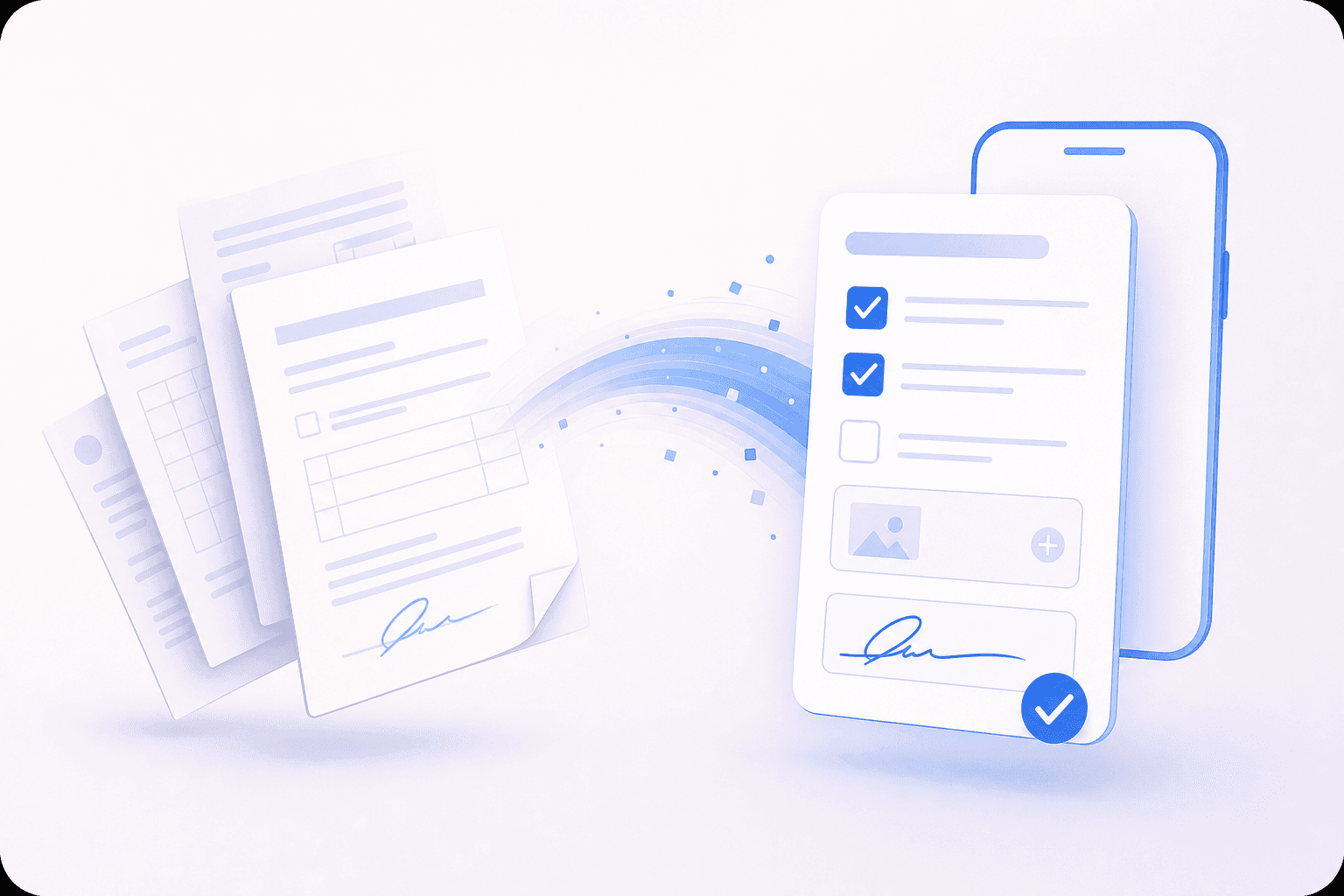
Replace paper forms with digital paperwork that field workers can complete from their mobile devices. Create forms, checklists, inspections, and dockets with required fields, photos, notes, signatures, and other job information.

Workforce Management

Workforce Management

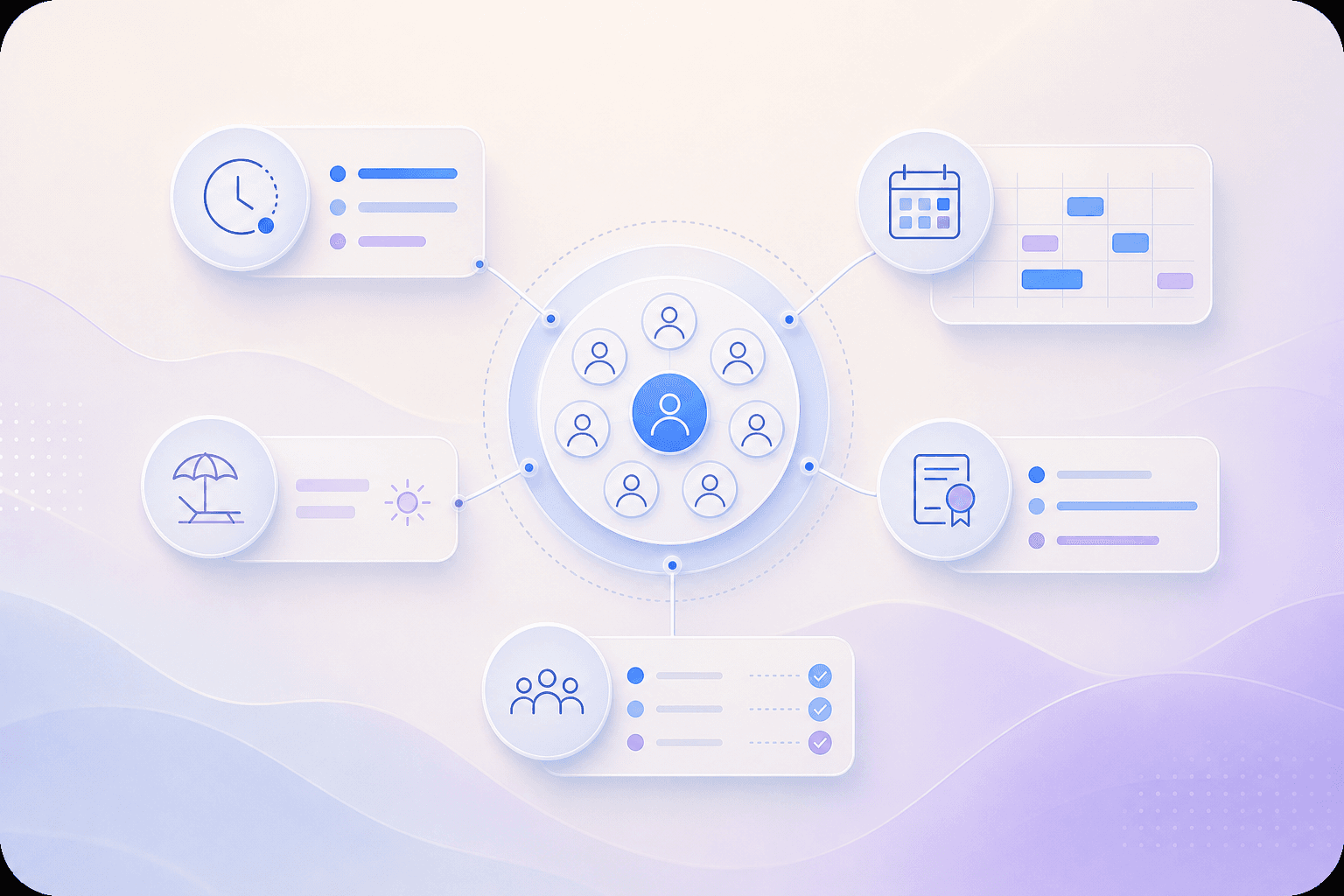
Manage worker availability, shifts, leave, qualifications, training, fatigue, and assignments from the same operational system. Use Mobile Team Manager as a field team management app to keep workforce information current when planning daily jobs.

Office-Field Coordination

Office-Field Coordination

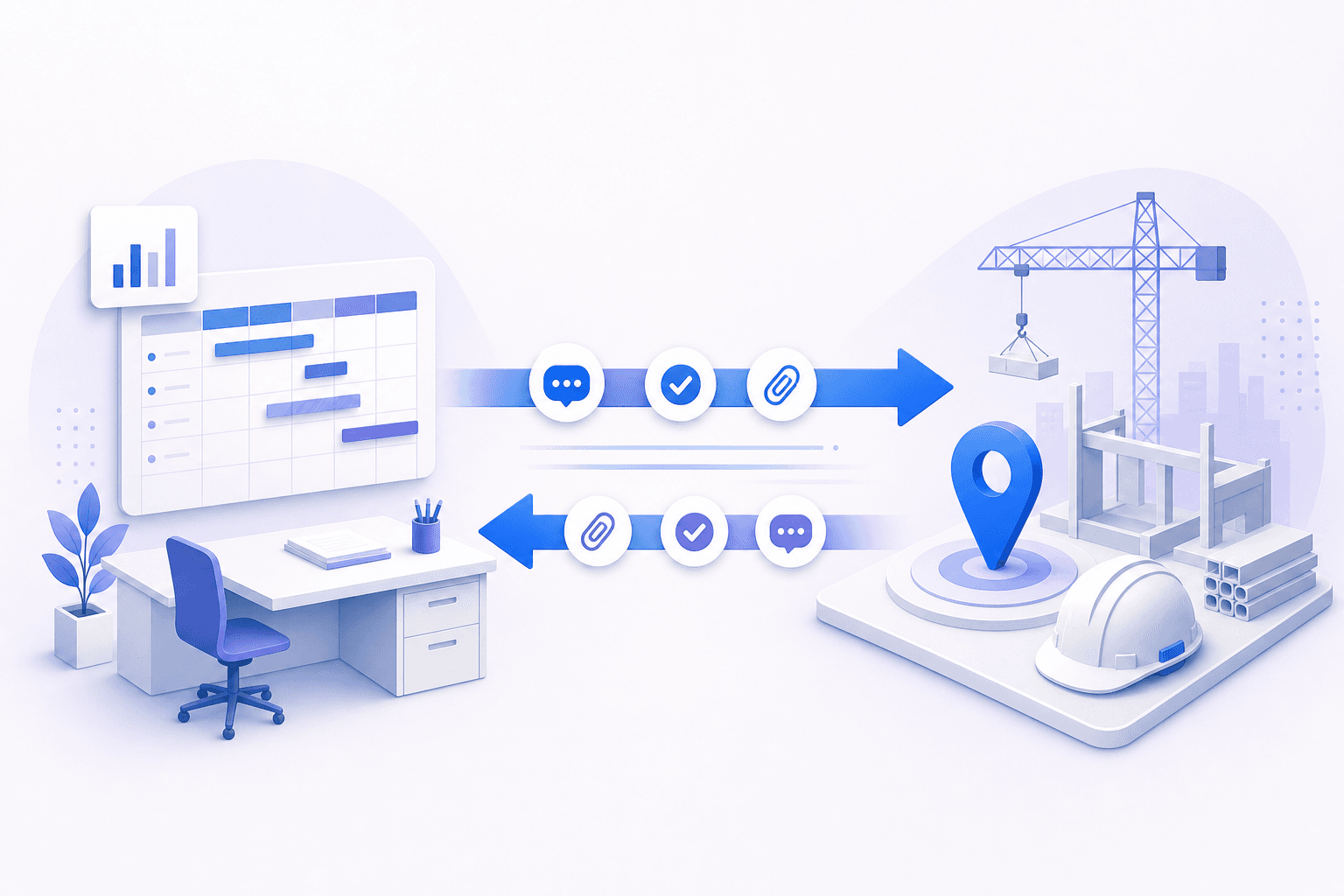
Keep office teams and field workers connected throughout the day. Mobile Team Manager provides messaging, group chat, alerts, photos, attachments, and job updates. Field teams can share information with planners and managers without switching between different communication tools.

Need More Control OverYour Field Operations?

See how Mobile Team Manager brings scheduling, workforce management, paperwork, and communication into your daily workflow.

Payroll Processing

Payroll Processing

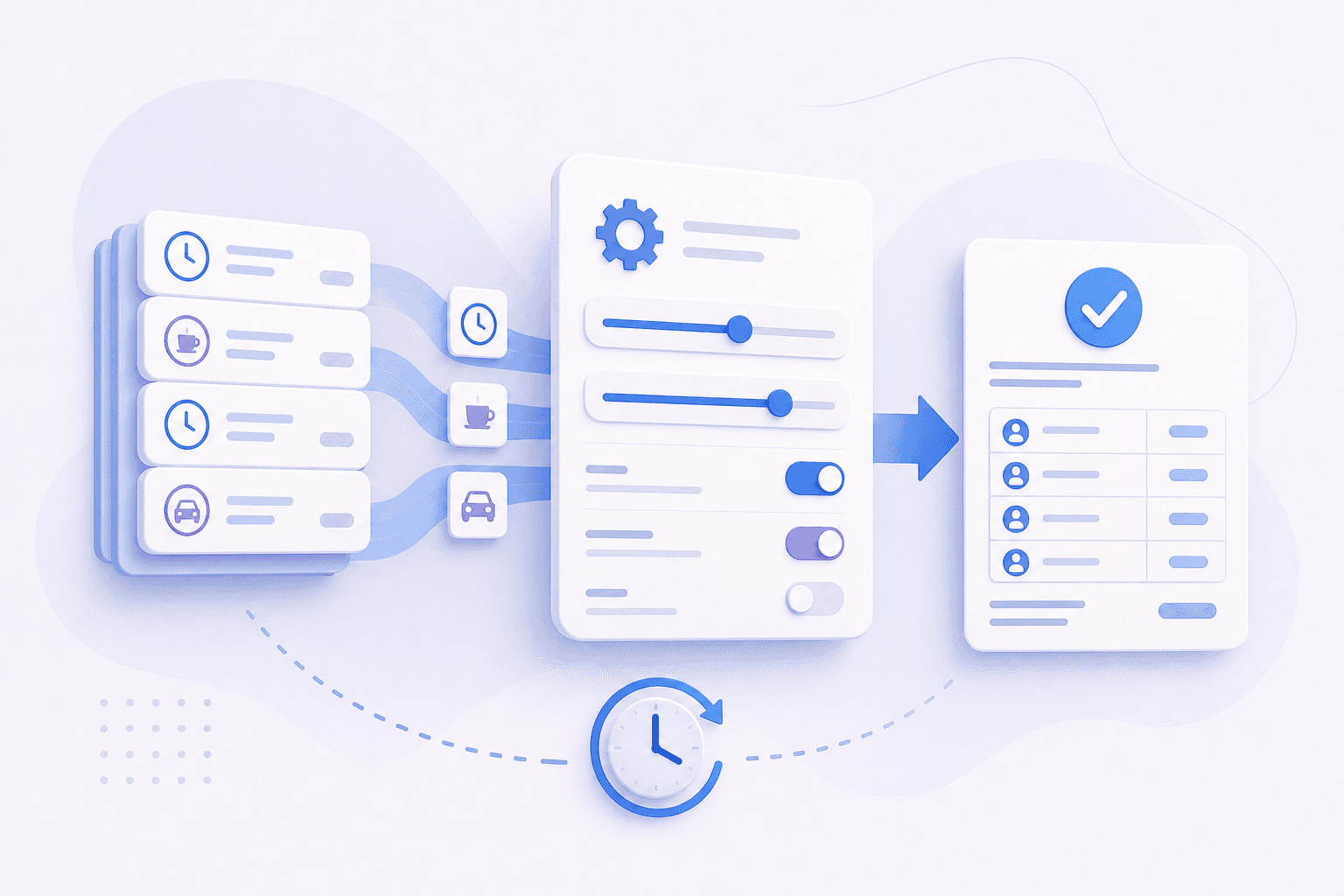
Capture the hours, breaks, travel, allowances, roles, and other time information recorded by field workers. Configure payroll categories around your business and prepare accurate payroll data without repeatedly transferring information from paper timesheets.

Asset Management & Live Map

Asset Management & Live Map

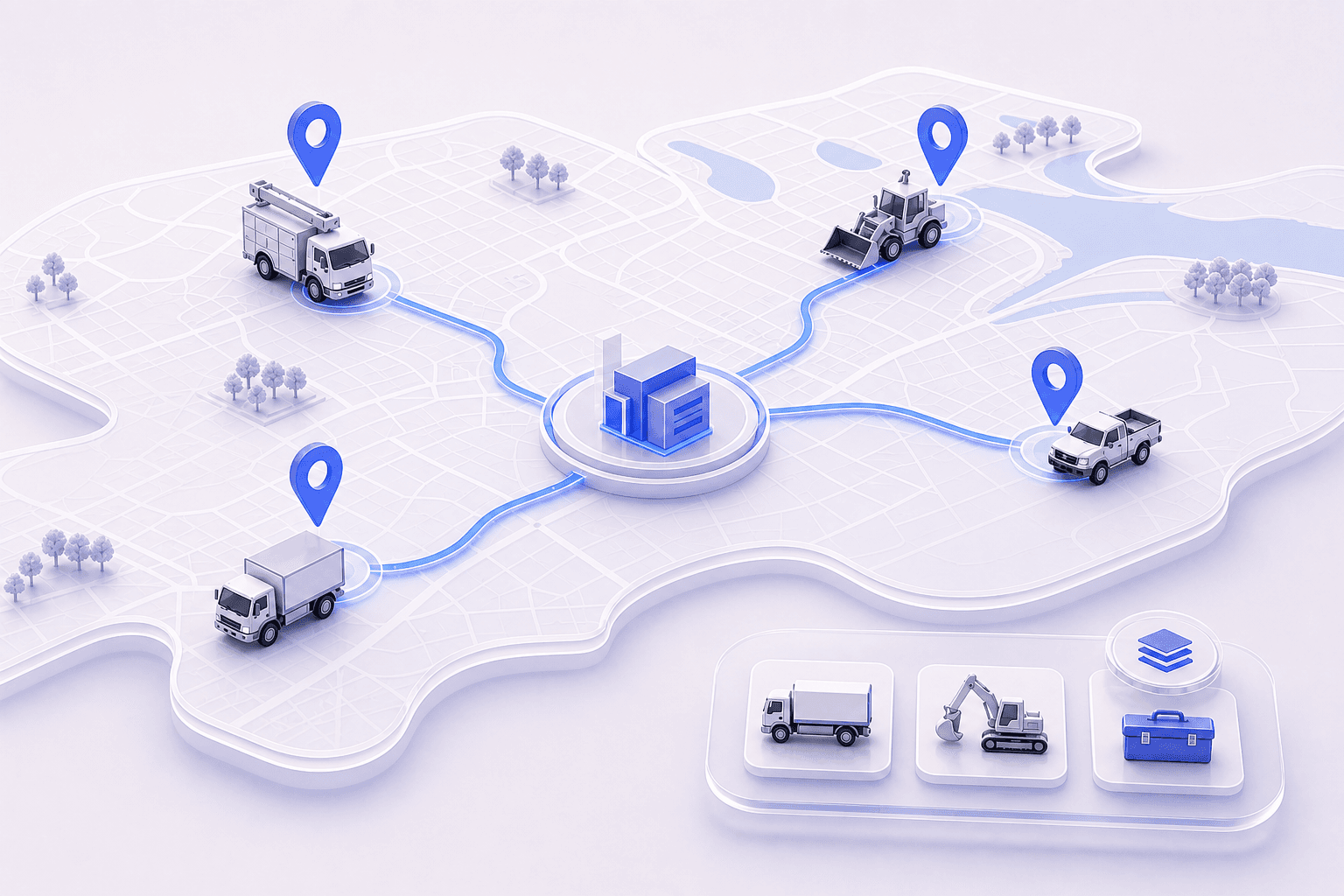
See workers, vehicles, plant, equipment, and active jobs on a live map. Keep location information alongside asset records to help your operations team manage mobile resources across different sites.

Time Sheets & Dockets

Time Sheets & Dockets

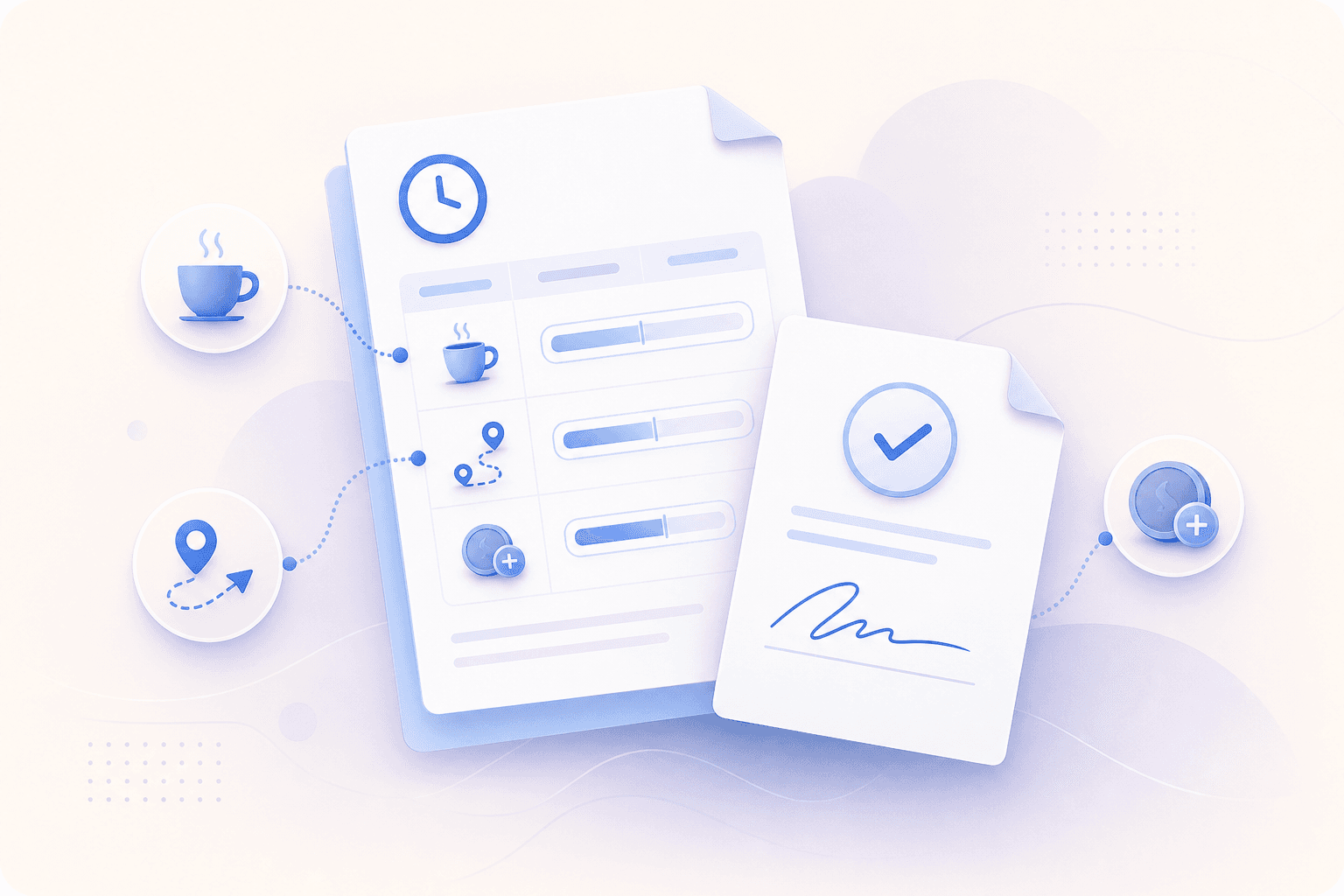
Give field workers a mobile workforce time tracking and shift management tool for recording hours, breaks, travel, roles, and job details. Electronic dockets can be completed on site, signed by clients, and sent directly to the office.

360° Reporting

360° Reporting

Bring operational data into reports covering workforce activity, jobs, contractors, customers, vehicles, equipment, and other areas of the business. Use current information to review work completed, hours recorded, resource use, and operational activity.

Constant Updates

Constant Updates

Keep your workforce working from current information as schedules and job requirements change. Workers can receive job updates, messages, alerts, attachments, and instructions through the MTM Mobile app while they are in the field.

Quick Onboarding

Quick Onboarding

Get your team started with support for system configuration, data migration, onboarding, and user training. Mobile Team Manager assists by phone, email, and screen sharing to help your operation move from existing processes into the software.

Choose the FeaturesYour Operation Needs

Select the features your team needs to manage scheduling, paperwork, assets, accounting, and daily field operations.

Core Model

Operation staff

Operations staff tap into MTM’s powerful functionality through our web-based app.

  • Real-time scheduling*
  • Scheduling rules
  • Shift tracking
  • Employee database
  • Customer database
  • Vehicles & plant database
  • Dashboard / Analytics
  • Project & shift management
  • Live chat
  • Notifications & alerts
  • Training & inductions
  • Reporting
Learn More

Field Teams

Everything your field teams need packed into a single mobile app.

  • Real-time shift notifications*
  • Allocations
  • Detailed job information
  • Google maps directions
  • Download and upload attachments
  • Dockets
  • Employee Leave Requests
  • Worked time tracking
  • Messenger
  • Add, view and update tickets and licences
  • Access personal information
  • Company contacts
Learn More

Add-on Modules

Dynamic Forms and Document Library

Eliminate paper, printing and stationery by setting up your paperwork electronically.

  • Create your own forms with the Dynamic Forms designer*
  • Complete any form from your desktop, tablet or phone
  • Set up form response rules
  • Share forms internally or with customers
  • Receive notifications for form completion
  • Track form completion
  • Report on form responses
  • Give users access to documents like procedures, policies, manuals, safety data sheets, and more
Learn More

Accounting

Add powerful accounting and payroll functionality into your operations software.

  • Conduct payroll using the hours captured in the field*
  • Configure payroll, allowance and travel categories to your business needs
  • Process payroll based on pay period, employee and employee role
  • Configure processed payroll rules
  • Map payroll configurations to roles
  • Modify processed payroll hours
  • Configure individual employee payroll configurations
  • View gross pay per payroll category and total gross pay
  • Export your payroll data to Excel
  • Send your payroll data directly to MYOB
Learn More

Asset Maintenance and Live Map

Manage and track all of your assets quickly, simply and effectively.

  • Create and manage service plans*
  • Create service schedules for vehicles and plant based on time, odometer and engine hours
  • Set automated system reminders
  • Record completed services
  • Report on scheduled and completed services
  • View the location of vehicles, plant, shifts and more with the live map
  • Integrate with Google Maps
  • Integrate with ConnectTrak
  • Integrate with Verizon Connect
Learn More

Supplier Management

Streamline the complexities of your Supplier relationships.

  • Schedule contractors and supplier equipment to shifts*
  • Create and manage supplier purchase orders
  • Access any supplier details through your database
  • Manage supplier equipment
  • Set notifications and alerts
  • Generate reports on your supplier records and data
Learn More

Find Out What
Makes MTM Different

Give your teams what they need to get the job done.

Talk to an Expert+61 2 9824 8845